Here is a breakdown of why the i5 is the smarter choice for everyday office tasks, and the few exceptions where an i7 might actually make sense.
[caption id="" align="aligncenter" width="1536"]
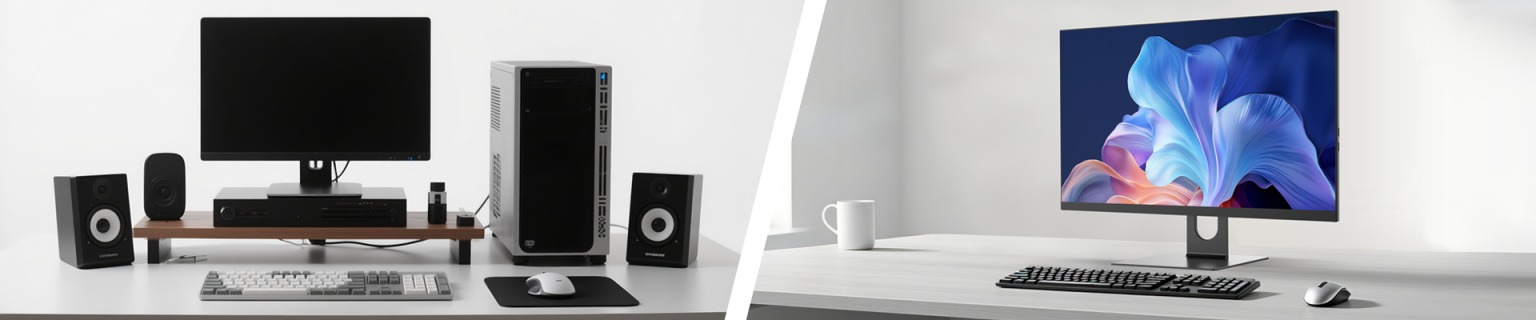 Space-Saving, High-Performance All in One Computer Solutions[/caption]
The Reality of "Basic Office Work"
To understand why the i5 wins here, we have to look at what basic office applications actually demand from a computer processor (CPU).
What they need: Quick bursts of speed to open a file, handle a few browser tabs, or crunch a standard formula in Excel.
What they don't need: Massive numbers of processor cores working simultaneously for hours on end.
An Intel Core i5 processor has more than enough horsepower to handle Microsoft 365, Google Workspace, Slack, and Zoom simultaneously without breaking a sweat. Buying an i7 for these tasks is like buying a Ferrari just to drive 30 mph in a school zone—it has plenty of power, but you'll never actually use it.
i5 vs. i7: Where Does the Money Go?
When you upgrade from an i5 to an i7 in an AIO, you are primarily paying for three things:
| Feature | Core i5 | Core i7 | What it Means for Office Work |
| Cores & Threads | Fewer | More | The i7 can handle more heavy tasks at the exact same time. |
| Clock Speed | High | Higher | The i7 can process data slightly faster in short bursts. |
| Cache Size | Standard | Larger | The i7 holds a bit more data close to the chest for ultra-fast access. |
While that sounds great on paper, basic office software simply cannot take advantage of the extra cores and cache that the i7 offers.
The Unique Problem with AIOs: Heat
There is a specific physical reason to hesitate before putting an i7 into an All-in-One computer.
Because an AIO packs all of its computer parts directly behind the screen, space is incredibly tight. More powerful processors like the i7 generate significantly more heat. To keep from overheating, the AIO’s cooling fans have to work overtime, which can lead to two annoying issues:
Fan Noise: Your sleek desktop might sound like a miniature jet engine taking off on your desk.
Thermal Throttling: If the computer gets too hot, it will purposely slow itself down to cool off—meaning your expensive i7 might end up performing just like an i5 anyway.
The Exception: When Should You Get the i7?
While the i5 is the definitive king of basic office tasks, you might want to consider the i7 if your "office work" includes any of the following:
The Mega-Spreadsheet User: If your job involves massive Excel workbooks loaded with complex macros, VLOOKUPs, and data models spanning hundreds of thousands of rows, the i7’s extra cache will save you time.
Creative Side-Hustles: If you regularly edit 4K video, do heavy graphic design in Photoshop/Illustrator, or manage large databases alongside your paperwork.
Ultimate Longevity: If you plan on keeping this exact machine for the next 7 to 8 years, the i7 offers a bit more "future-proofing," though a current-generation i5 will still easily last 5+ years.
Save on the CPU, Spend on the Rest
Instead of upgrading to an i7, you will get a much bigger performance boost by sticking with the i5 and investing those savings into two other specs:
The Better Investment: Ensure the AIO has at least 16GB of RAM and a 512GB (or 1TB) Solid State Drive (SSD).
Going from 8GB to 16GB of RAM will do far more to keep your computer running smoothly with 50 browser tabs open than an i7 processor ever will. Keep the extra cash in your pocket—the i5 has got you covered!